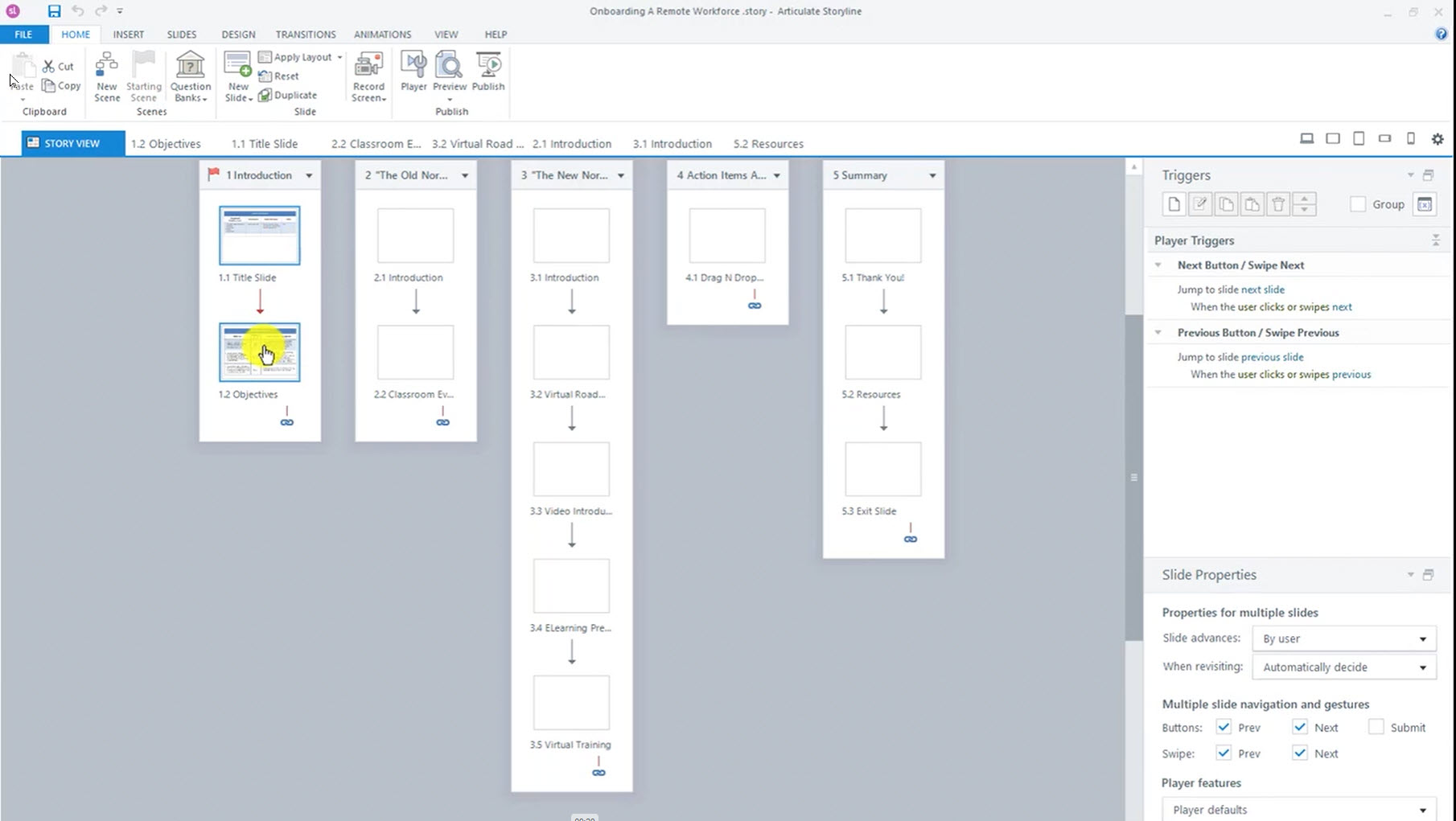
Storyline – Previewing Select Slides
When making experiential eLearning, it is important to be able to test non-linear user paths in your course. Storyline 360 lets you preview select slides to speed up that process.
Learning Solutions Strategist / Architect
When making experiential eLearning, it is important to be able to test non-linear user paths in your course. Storyline 360 lets you preview select slides to speed up that process.
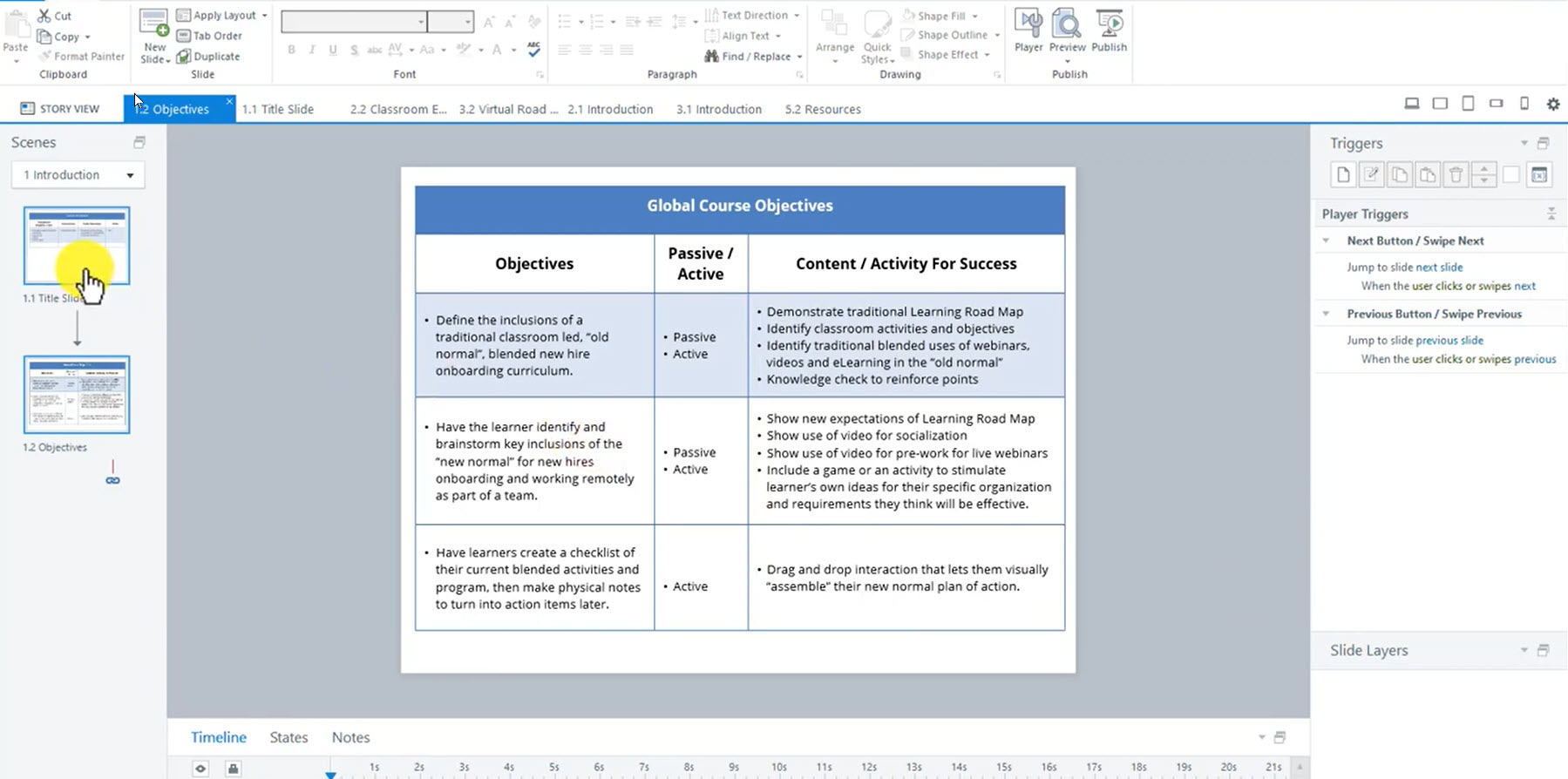
Before creating a visual prototype iteration, a written storyboard that links your Behavioral Objectives to your course treatments of each gets you organized. Storyboards are often done using MS Office or Google Docs. Both of these methods are fine but let me show you a way to do it inside of your Storyline course as…