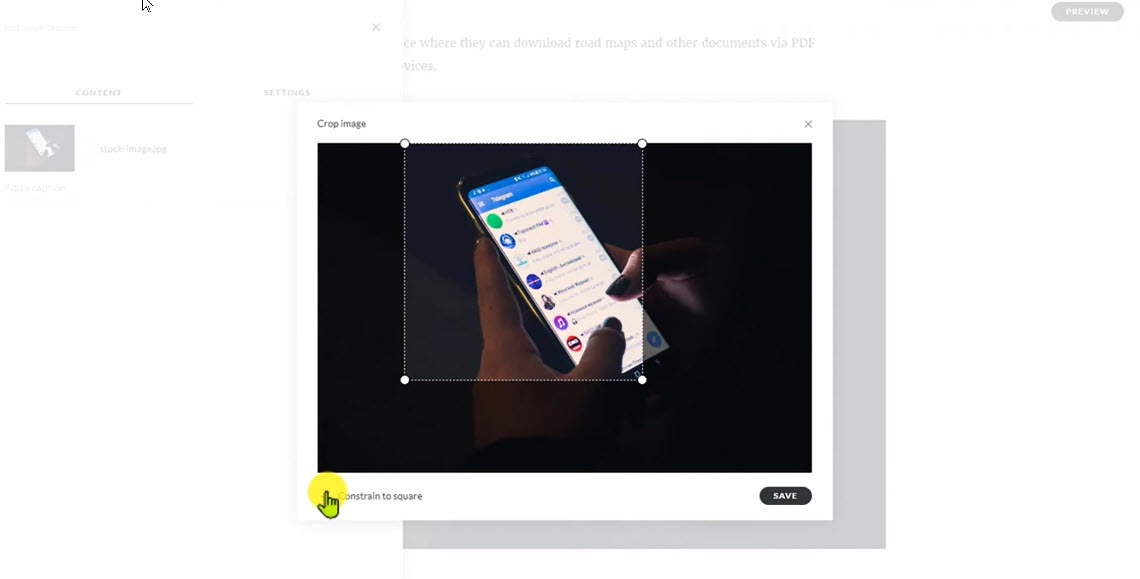
Rise – Cropping Images
Rise 360 has the ability to crop your images right inside the course itself. Let me show you how easy it is!
Learning Solutions Strategist / Architect
Rise 360 has the ability to crop your images right inside the course itself. Let me show you how easy it is!
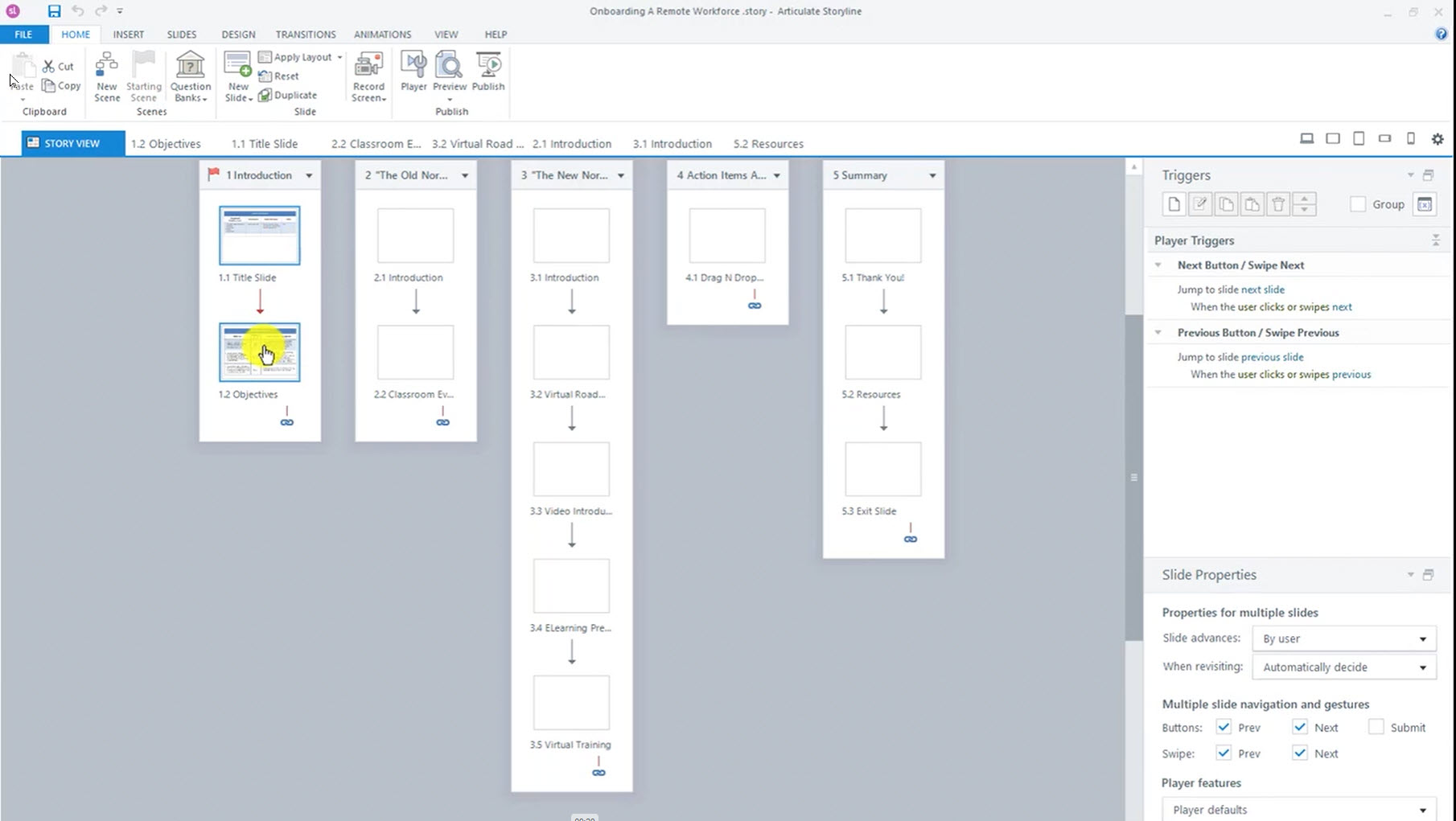
When making experiential eLearning, it is important to be able to test non-linear user paths in your course. Storyline 360 lets you preview select slides to speed up that process.
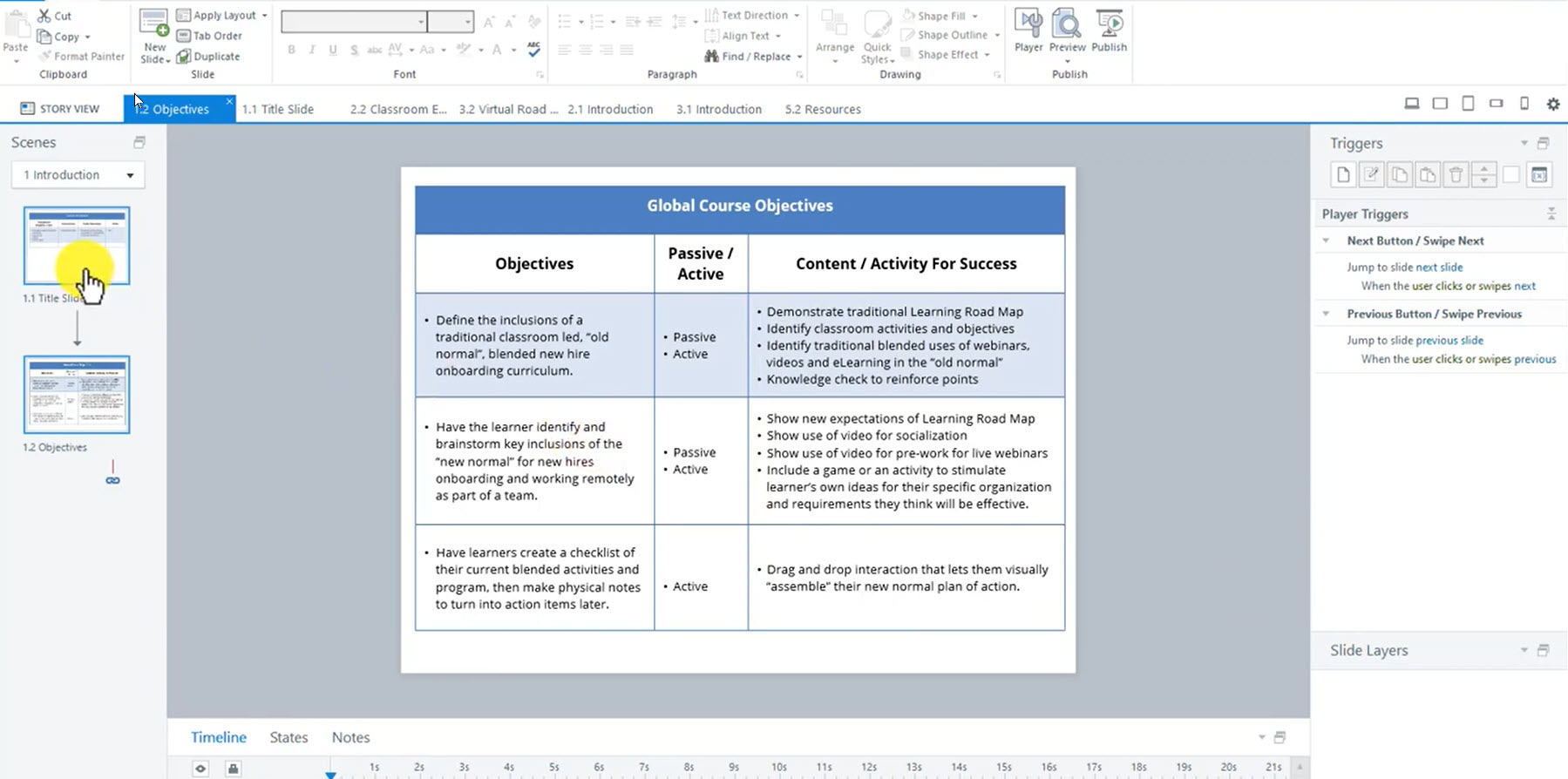
Before creating a visual prototype iteration, a written storyboard that links your Behavioral Objectives to your course treatments of each gets you organized. Storyboards are often done using MS Office or Google Docs. Both of these methods are fine but let me show you a way to do it inside of your Storyline course as…
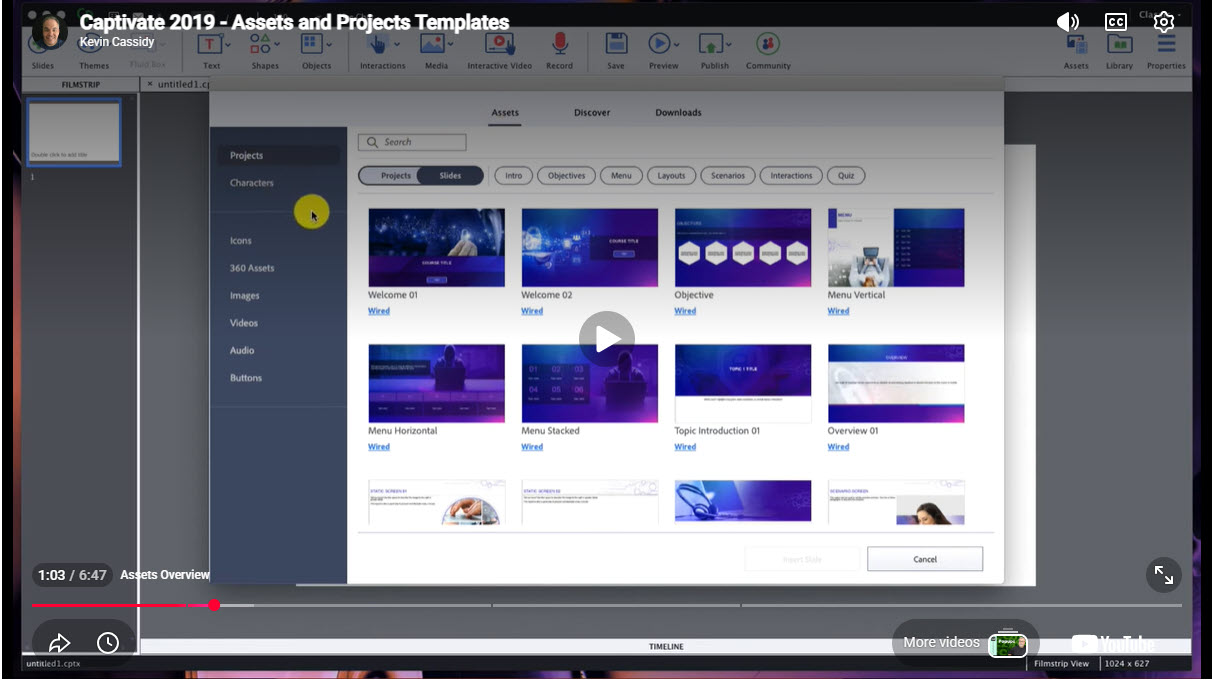
Adobe Captivate has updated their Assets menu and quick start Project Template functionality to make it easier than ever to get started fast and still allow you custom control over your project look and feel. The Assets tab has been moved and upgraded, and the starter Project Templates now let you apply more than one…
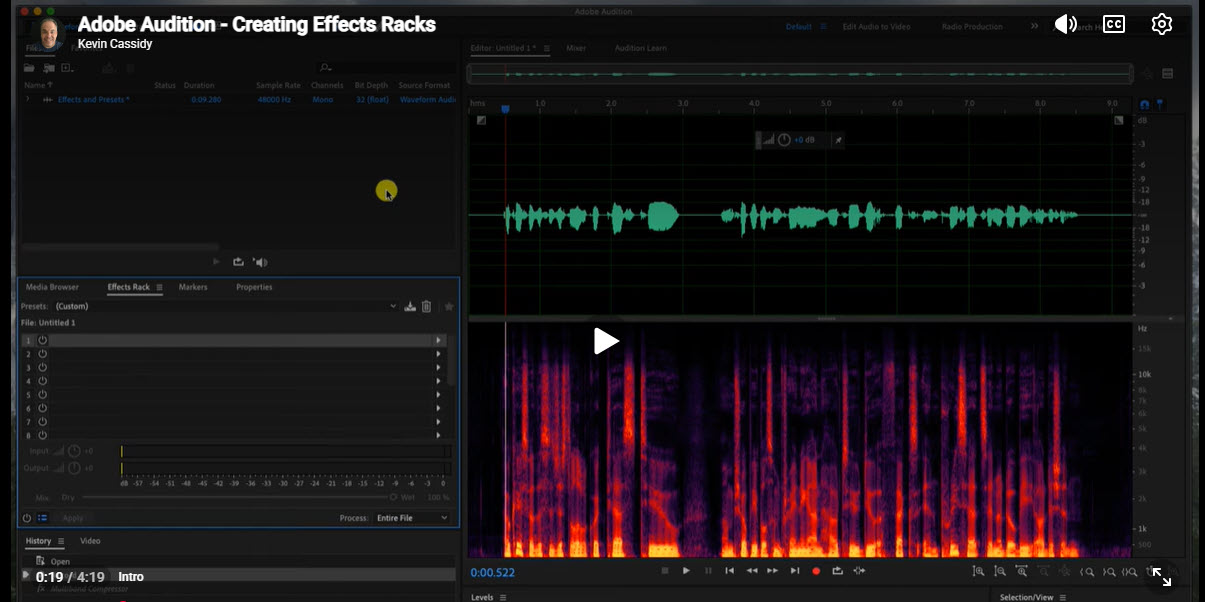
Adobe Audition makes it very easy to save all of your post processing effects and tweaks as a one-click preset. If you normally record yourself remotely or produce others at your company on the same mic in the same dedicated environment, you should really consider this technique to speed up your work and make your…
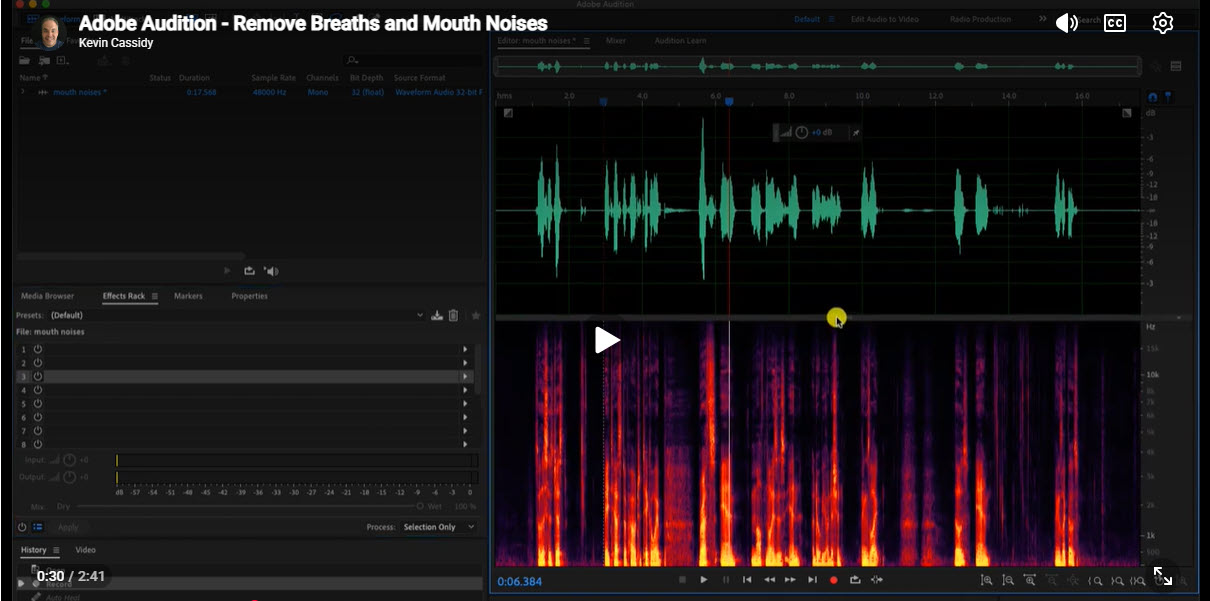
A lot of learning organizations depend on the Adobe Creative Cloud for all of their design and media needs. If you use Adobe Audition for your audio work, here is how to remove those unwanted noises and breaths. Audition offers a couple of ways to do it, and here I will show you both using…
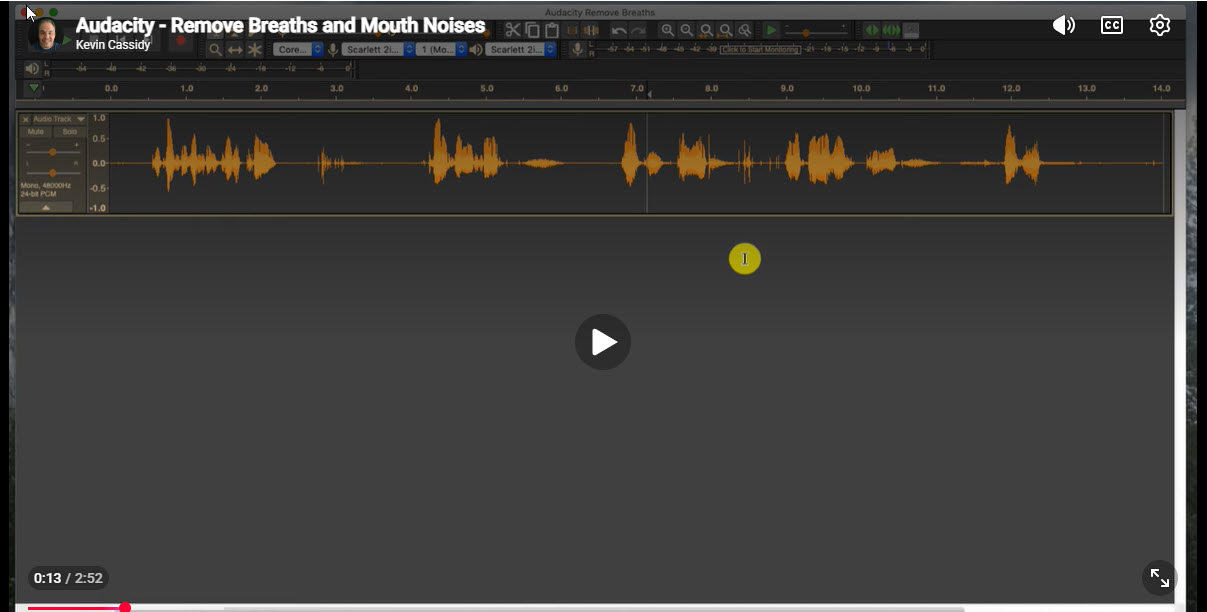
In many organizations, subject matter experts and trainers are used to record microlearning audio and video products, but you are almost always left with noises and breaths that you don’t desire. Let me show you how you can remove them in Audacity without altering the quality of your original recording.