Skip to content
  • Jira – Epics, Stories and Child Tasks
  • Portfolio C – Throughput Report Training
  • Portfolio B – Behavioral Health Crisis Call Training
  • Portfolio A – McKesson InterQual
Newsletter
Random News

KevinFCassidy.com

Learning Solutions Strategist / Architect

  • Design
    • Experiential Design
    • Storyline – Creating Inline Storyboard
  • Development
    • Storyline 360
    • Captivate
    • Audio
      • Audition
      • Audacity
      • Microphones
    • Video
      • Camtasia
      • Premiere
      • Microlearning
  • Project Management
    • Jira For SCRUM
    • SAM
  • Portfolio
  • Home
  • Storyline 360
  • Storyline – Previewing Select Slides
  • Development
  • Storyline 360

Storyline – Previewing Select Slides

Kevin Cassidy6 years ago4 hours ago01 mins


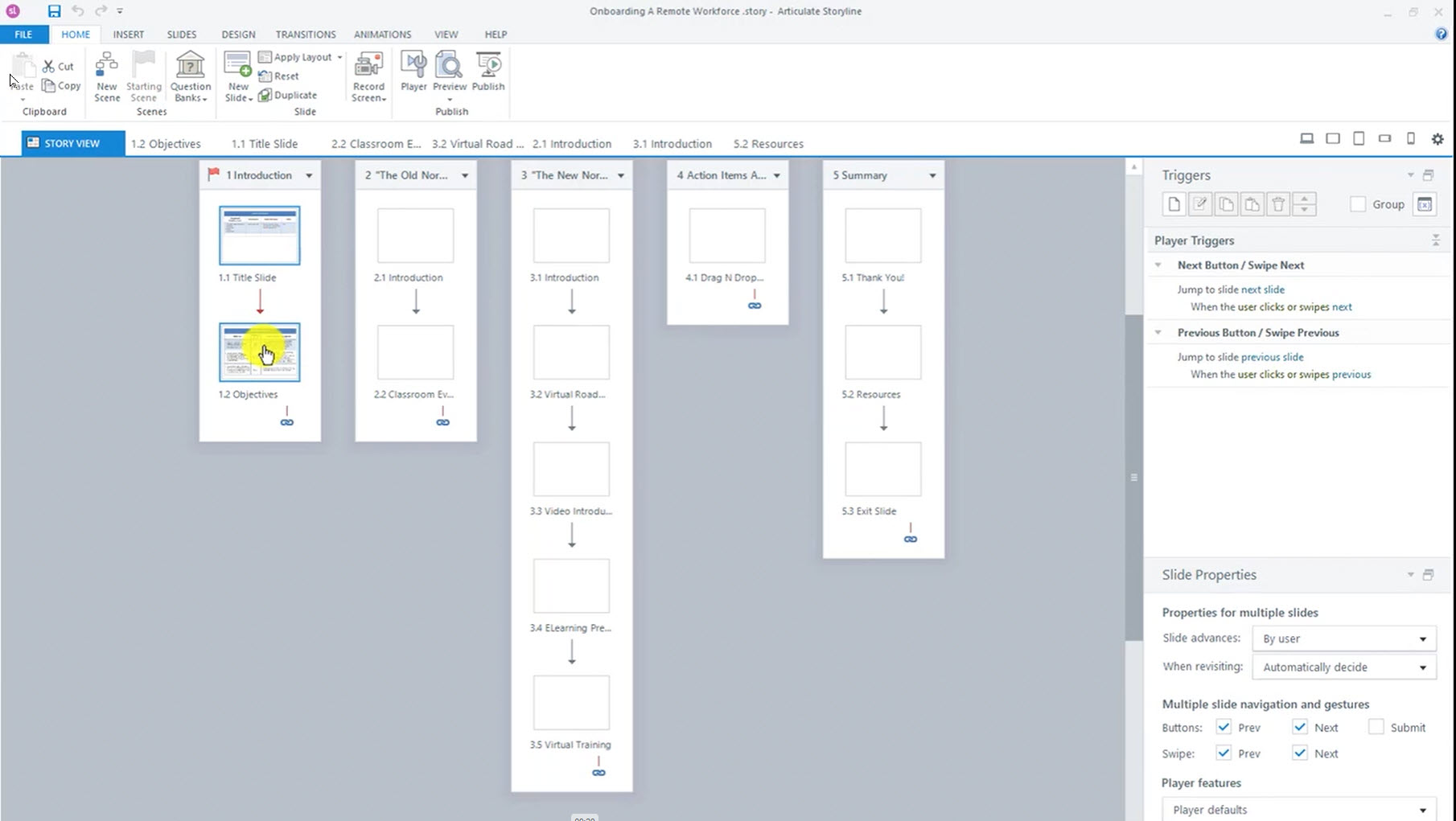
When making experiential eLearning, it is important to be able to test non-linear user paths in your course. Storyline 360 lets you preview select slides to speed up that process.

Post navigation

Previous: Storyline – Creating an Inline Storyboard
Next: Rise – Cropping Images

Related News

Portfolio C – Throughput Report Training

Kevin Cassidy3 years ago24 hours ago 0

Portfolio B – Behavioral Health Crisis Call Training

Kevin Cassidy3 years ago24 hours ago 0
Copyright KevinFCassidy.com 2026 Powered By BlazeThemes.